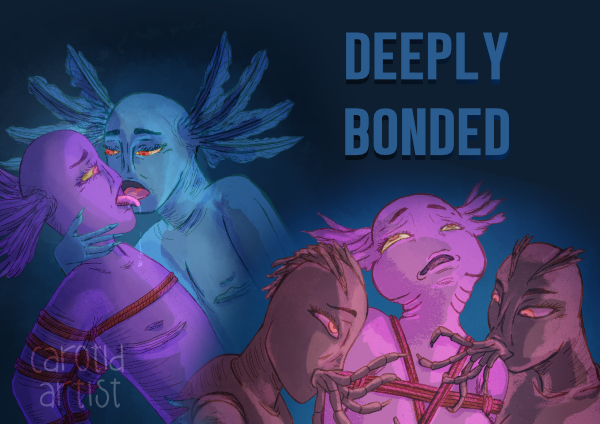
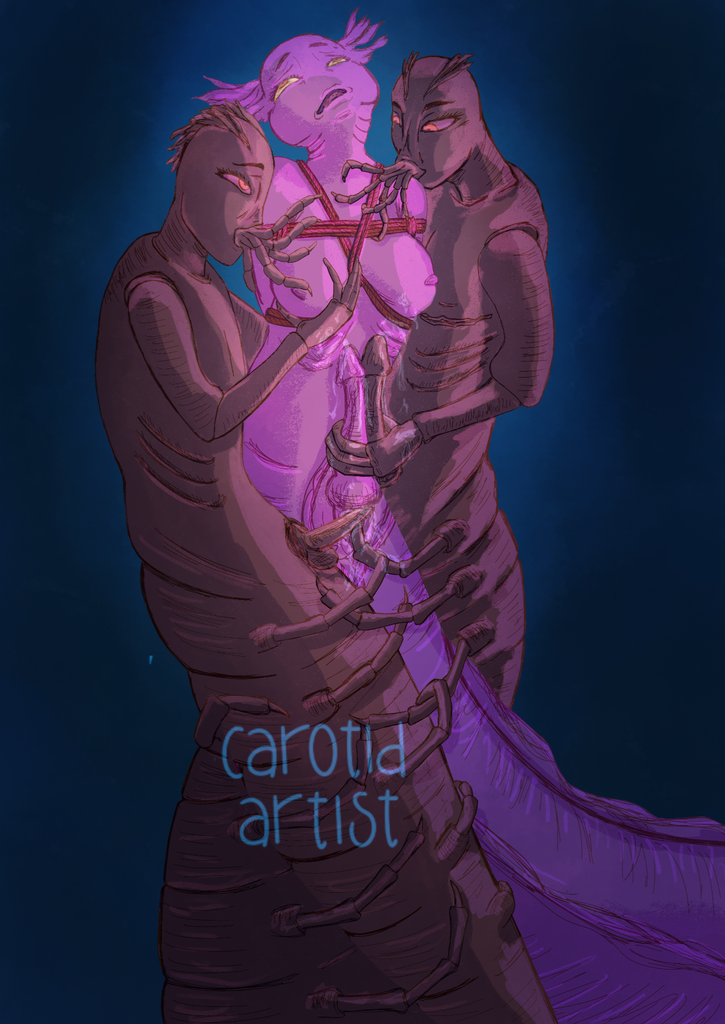
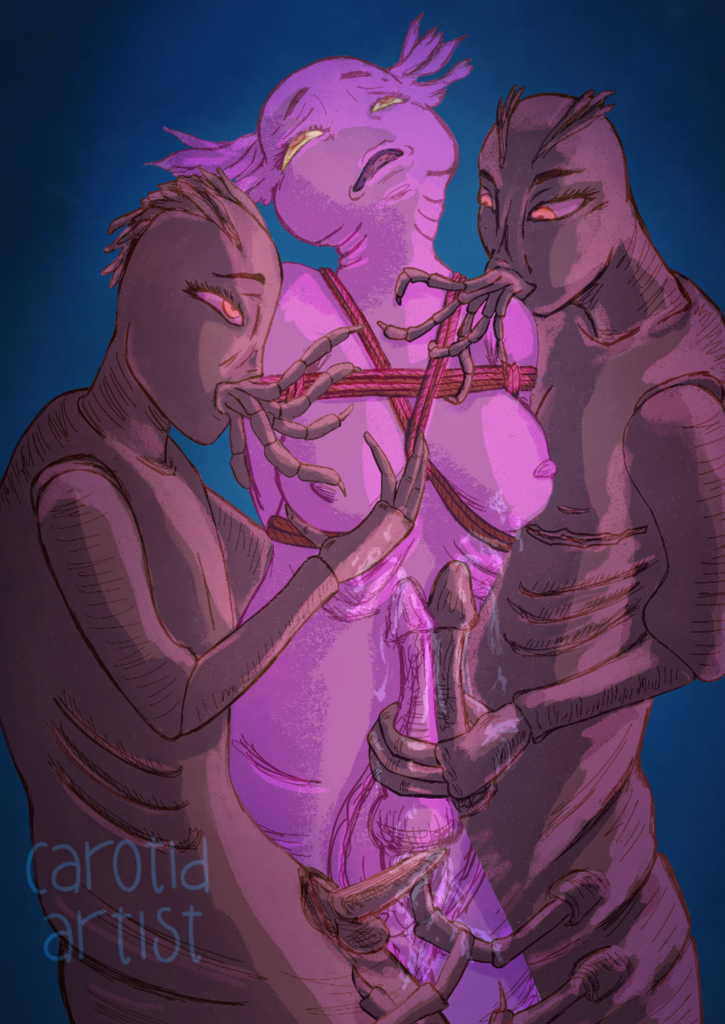
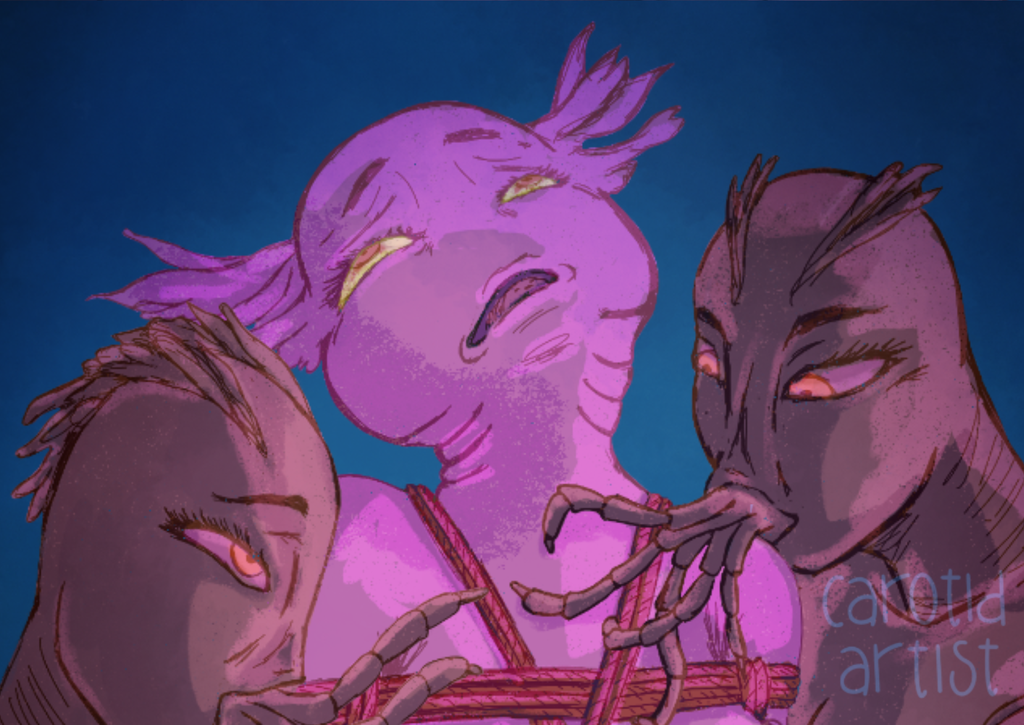
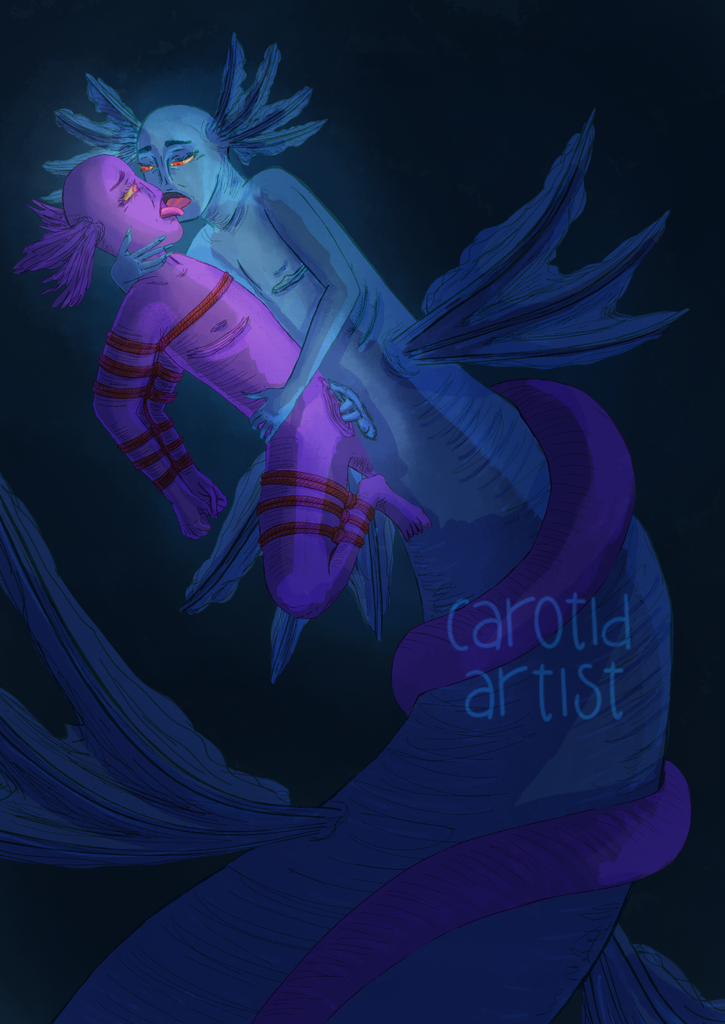
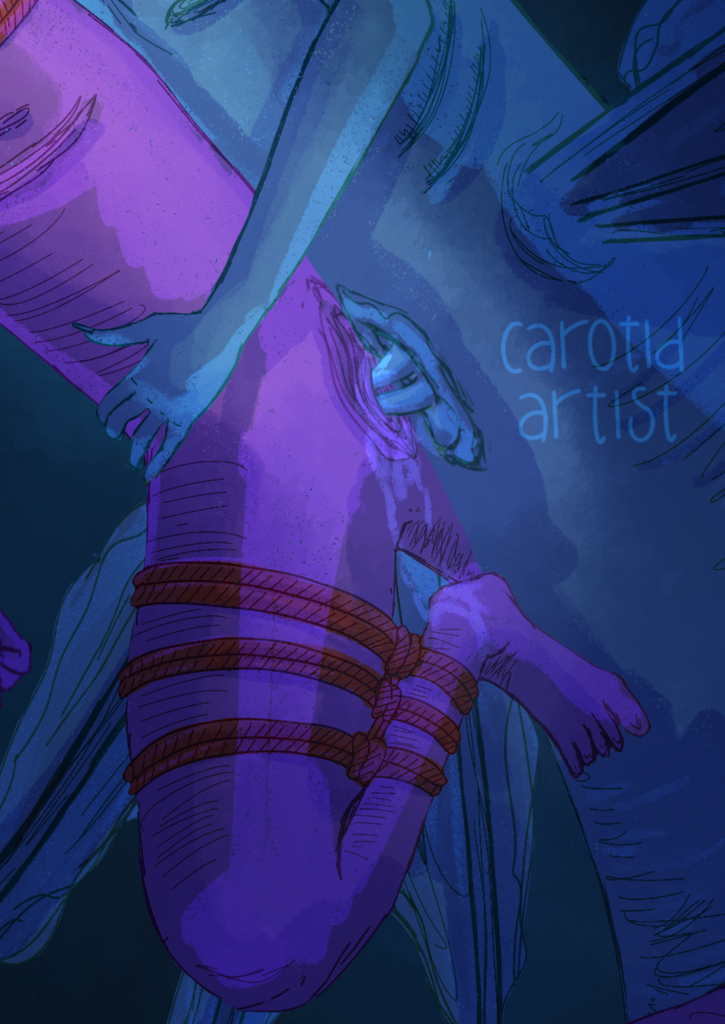
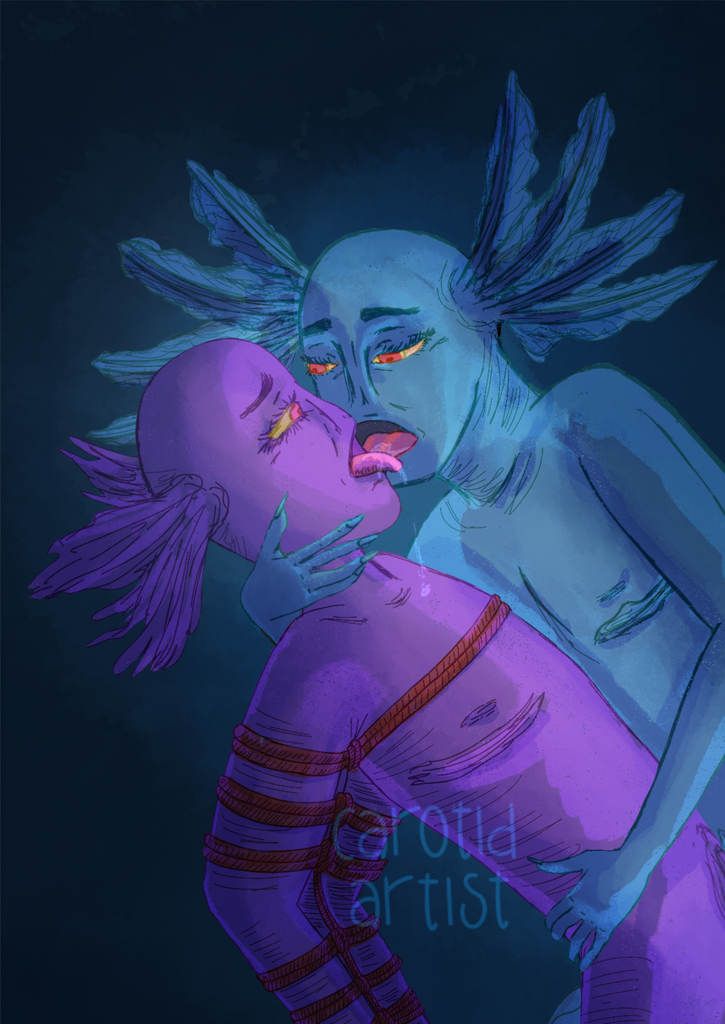
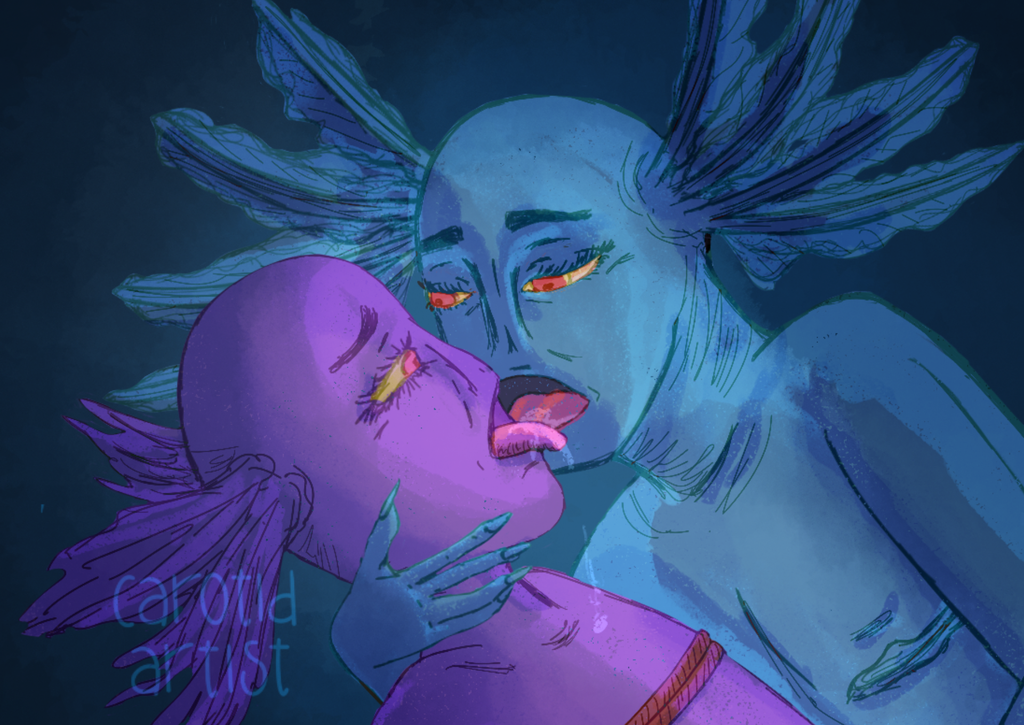
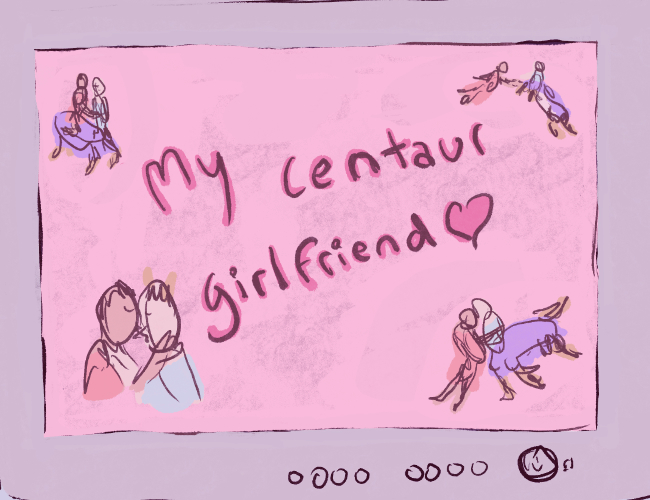
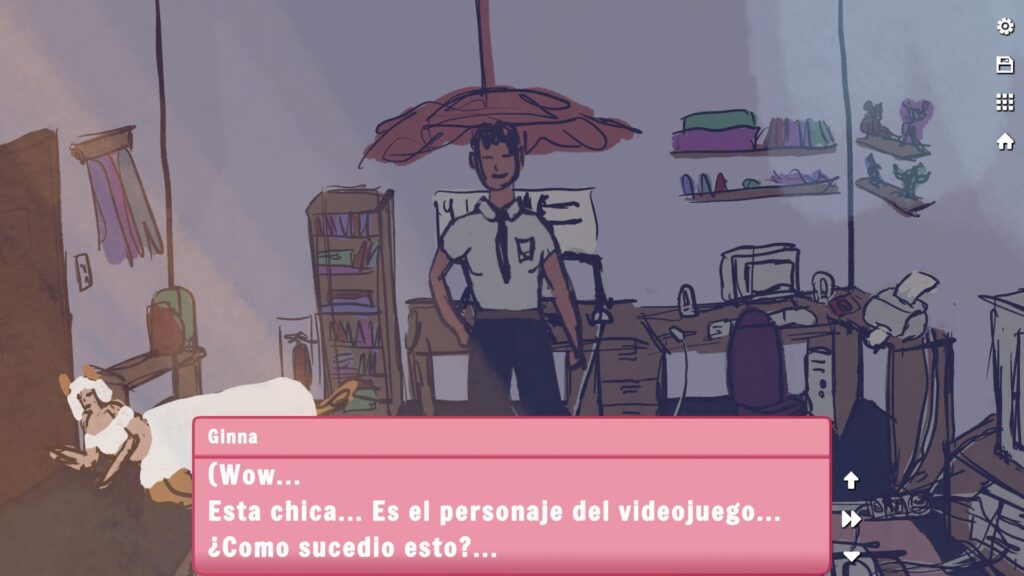
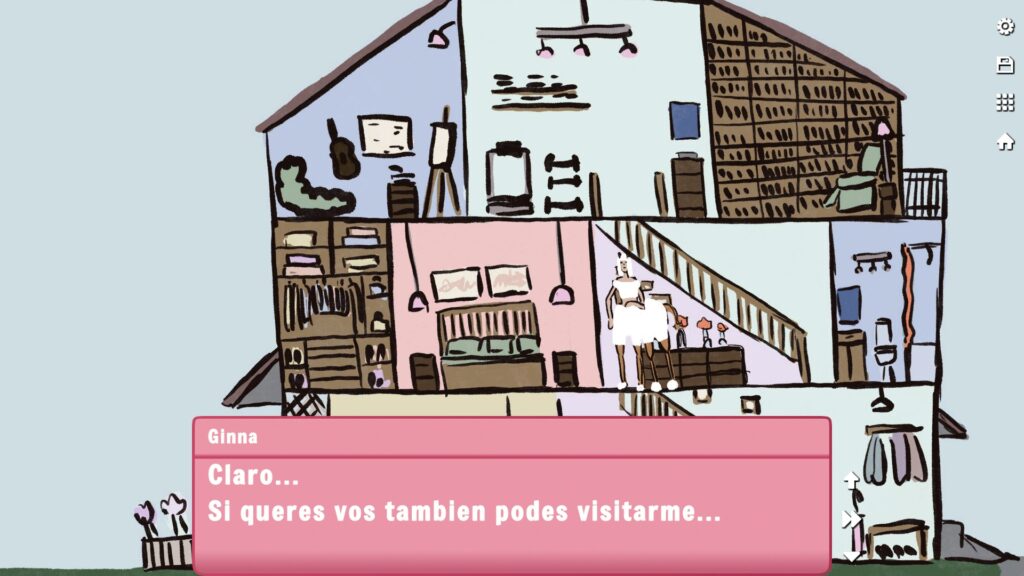
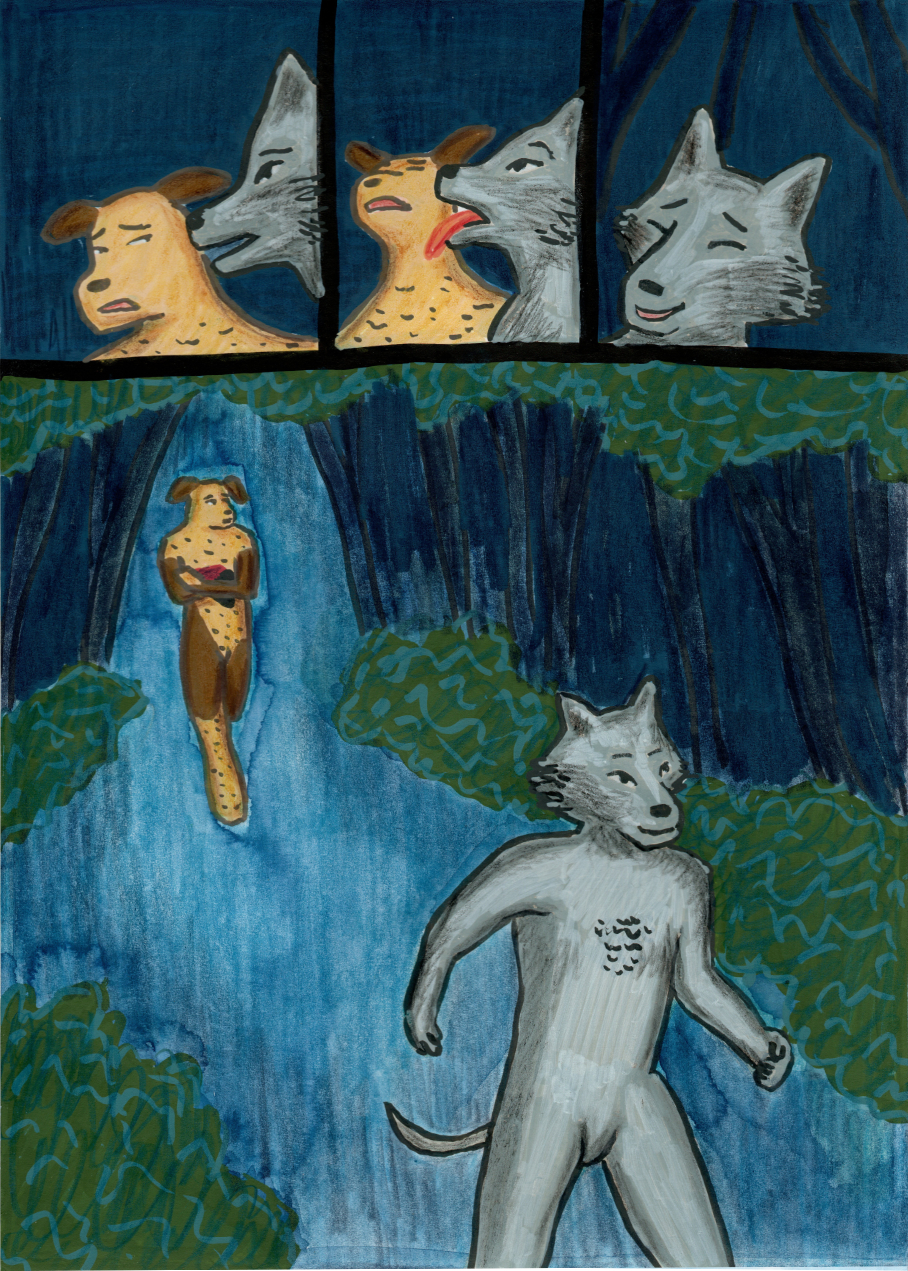
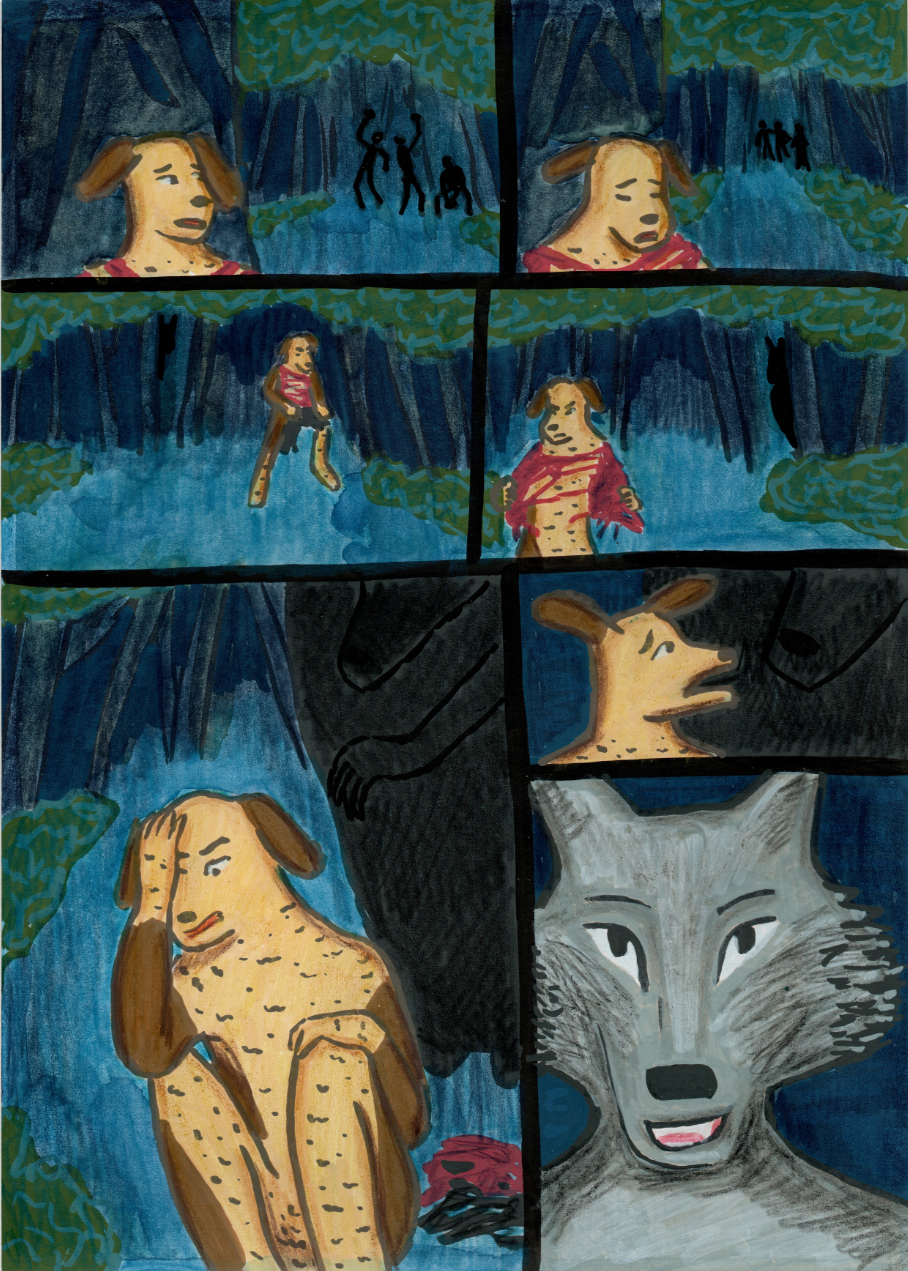
The game is a visual novel with 2 possible endings.
Ginna (She/her) finds a videogame in her work, after an incident the game character (she/her) is transported to the real world. (In this version of the game you can play with Eva, a trans woman, in future versions of the game you will be able to pick other characters).
Now Ginna has to help her adapt to a new reality, while they do this the bond between them gets stronger…
This game is currently in development, and therefore, this prototype version and some future updates will be free-to-play!
There might be bugs in the current version, and we’re actively working on fixing them. If you spot a bug, let us know, and we’ll address it as soon as we can!
CONTROLS
Use the mouse or touch to progress through the story. Click on the options to pick one of them.
Content Warning: Sexual content and violence.
ESPAÑOL
El juego es una novela visual con 2 posibles finales.
Ginna (She/her) en su trabajo encuentra un videojuego, luego de un incidente la protagonista (she/her) del juego logra transportarse al mundo real. (En esta versión puedes jugar con Eva, una centaura trans. En el futuro podrás elegir entre otras personajes).
Ahora Ginna tendrá que ayudarla a adaptarse a su nueva realidad, mientras el vinculo entre ambas se hace cada vez mas fuerte…
El juego esta actualmente en desarrollo, por ello este prototipo y algunas versiones futuras serán gratis!
Pueden llegar a encontrar errores en el juego, estamos activamente trabajando en el. Si encuentran un problema pueden dejarnos un comentario y trataremos de resolverlo en cuanto podamos.
CONTROLES
Usa el mouse o toca la pantalla para avanzar en la historia Cliquea en las opciones para decidir que historia seguir.
Advertencia de contenido: Mención de secuestro. Contenido sexual y violencia.
CREDITS:
Art: Kharon McCoin
Programming: SimpleToolsDev
Game Design: Kharon McCoin and SimpleToolsDev
Music: Cherry Blossom – ELV games pegonthetrack
Starry Skies – ELV games pegonthetrack
Night Cruise – ELV games pegonthetrack
https://carotidartist.itch.io/my-centaur-girlfriend